Crosshair styles

24 crosshair and reticle styles, any color, with an optional outline – all changed from your couch.

All 24 styles

Press Yellow on your remote to step through them, or pick one under Style in the settings menu. Every style scales with Size (press OK), and in split-screen each player can choose their own.
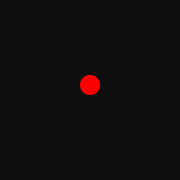
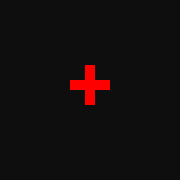
Dot reticle
Dot
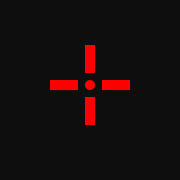
Crosshairs reticle
Crosshairs
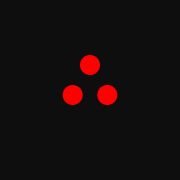
Three dots reticle
Three dots
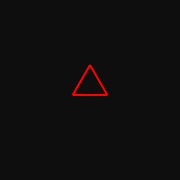
Triangle reticle
Triangle
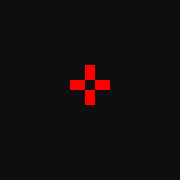
Open cross reticle
Open cross
Pyramid reticle
Pyramid
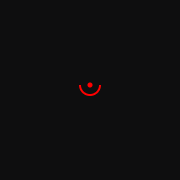
Half circle dot reticle
Half circle dot
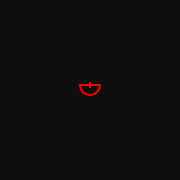
Half moon reticle
Half moon
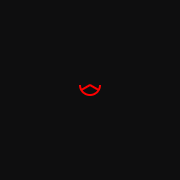
Mountain reticle
Mountain
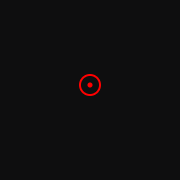
Double circle reticle
Double circle
Cross dot reticle
Cross dot
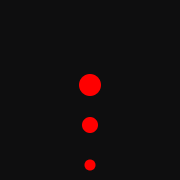
Gravity reticle
Gravity
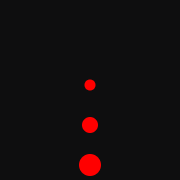
Reverse gravity reticle
Reverse gravity
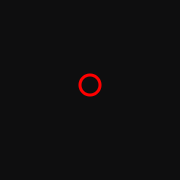
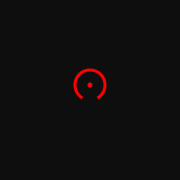
Ring reticle
Ring New
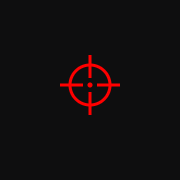
Scope cross reticle
Scope cross New
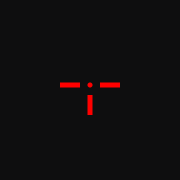
T-cross reticle
T-cross New
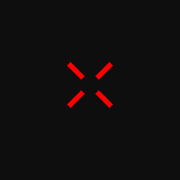
X-cross reticle
X-cross New
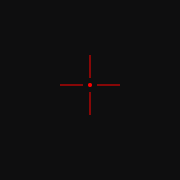
Thin cross reticle
Thin cross New
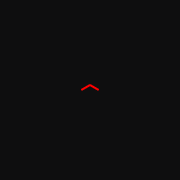
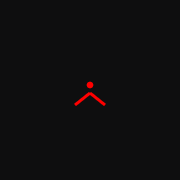
Chevron dot reticle
Chevron dot New
Horseshoe reticle
Horseshoe New
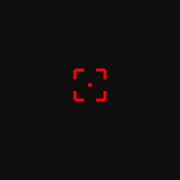
Brackets reticle
Brackets New
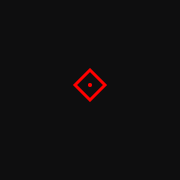
Diamond reticle
Diamond New
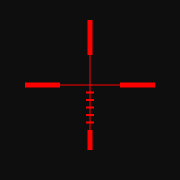
Sniper BDC reticle
Sniper BDC New
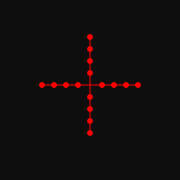
Mil-dot reticle
Mil-dot New

Shown in red at size 10 of 15. Sniper BDC and Mil-dot marks are evenly spaced aiming references that grow with Size; they aren’t tied to a specific game’s bullet drop.

Make it stand out
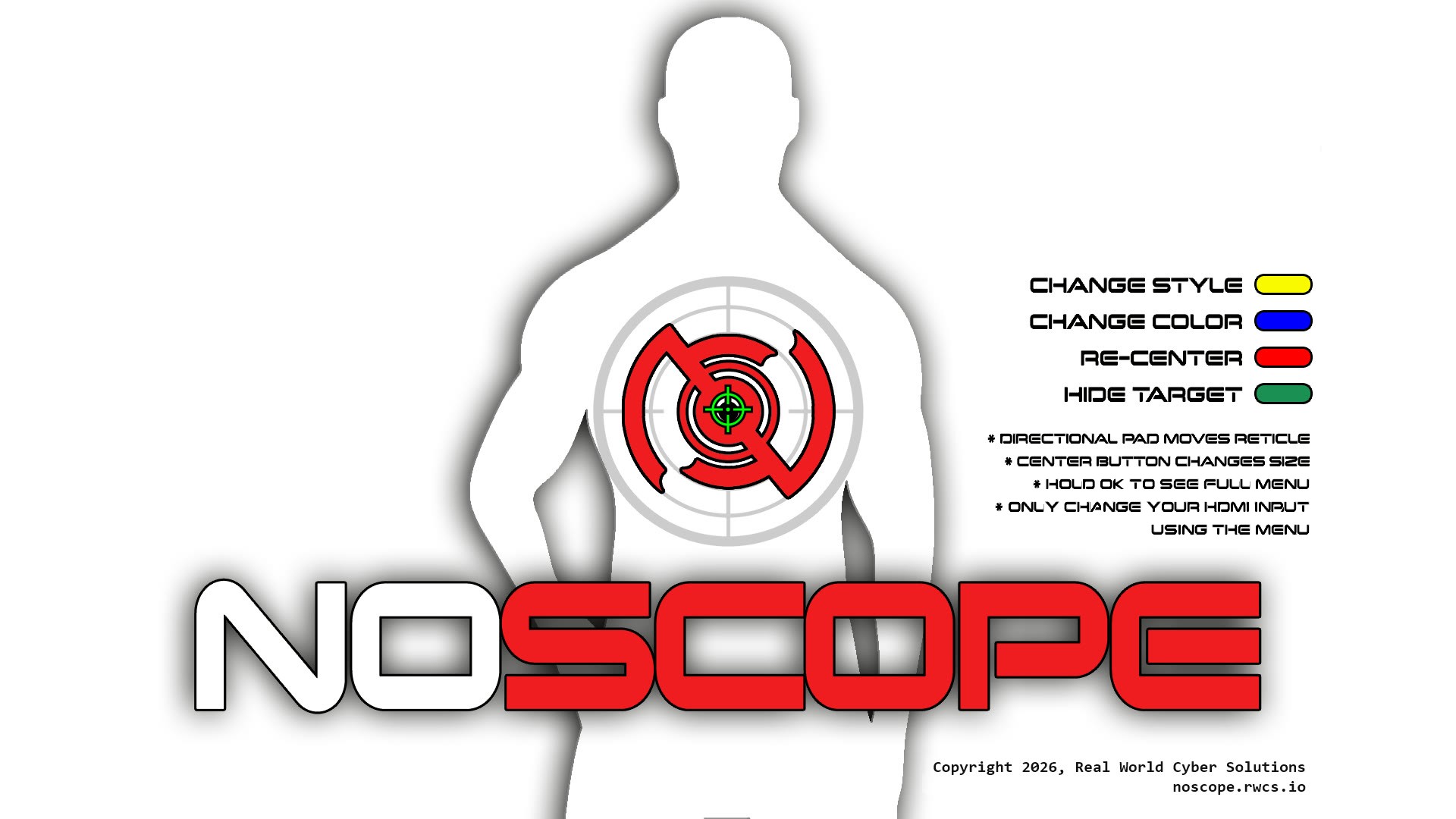
Green Scope cross reticle with a black outline on the NoScope alignment target
Outline. Add a black or white outline to any style so it stays visible on busy or same-colored scenes (Settings → Outline).
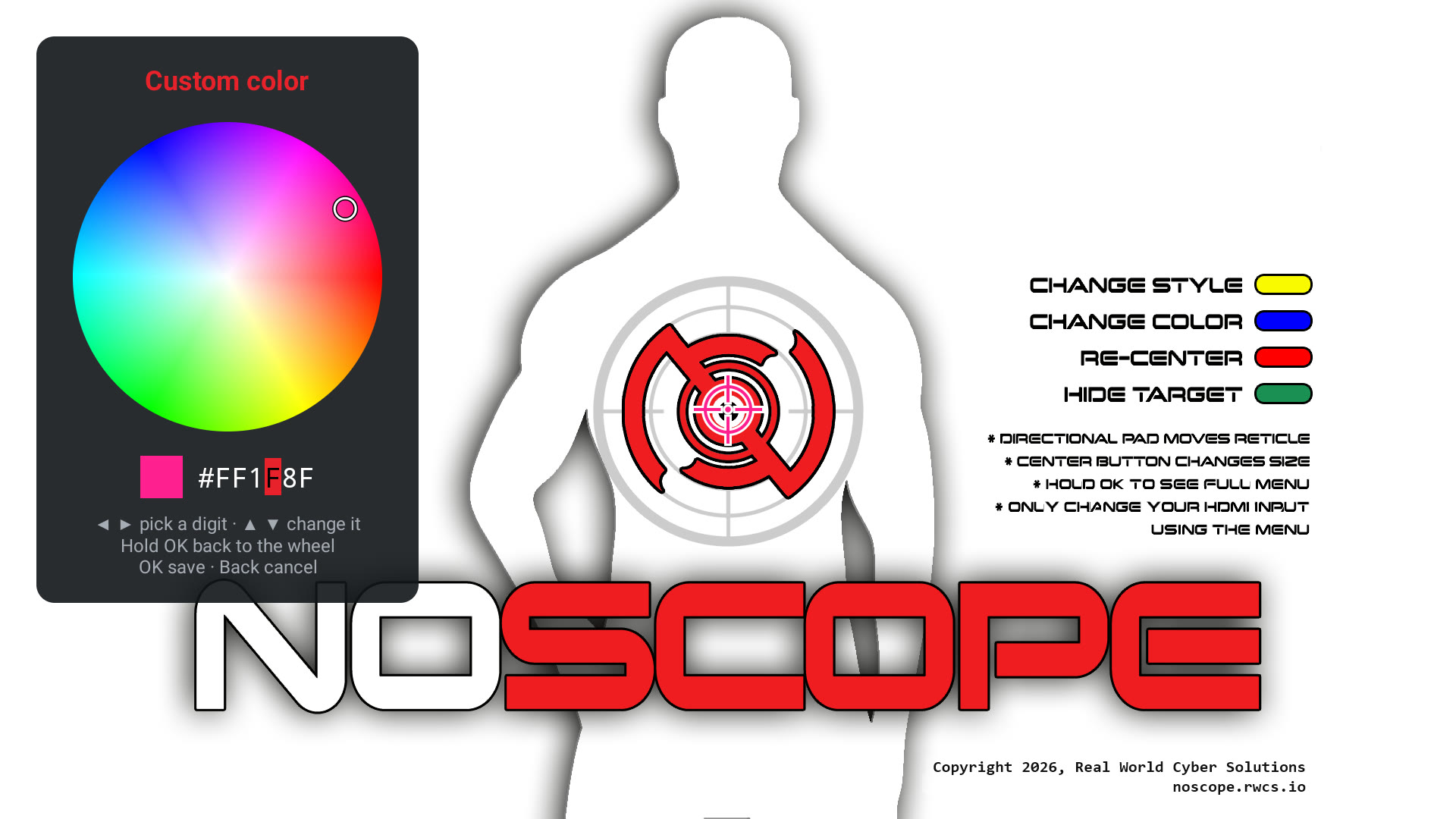
NoScope color wheel for picking a custom reticle color
Any color. Pick it on the wheel (Settings → Custom color), or hold OK to type an exact color code like #FF1F8F. It joins the color list, so Blue cycles through it with the 10 preset colors.

Full instructions and button guide →